


Account Usage and Management Guidelines
These guidelines explain how to manage the accounts provided by our store. The instructions below cover the main requirements for maintaining separate and stable account environments.
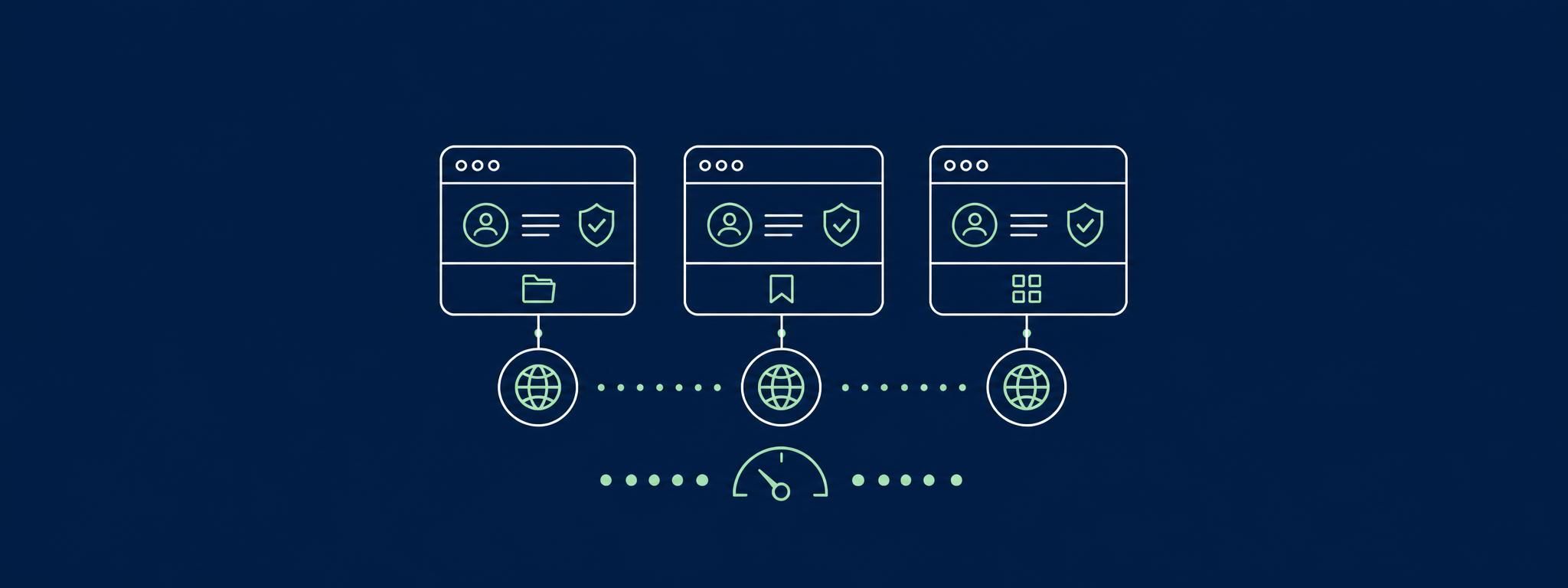
Use Dedicated, High-Quality Proxies
Using several accounts through the same IP address can cause them to be associated with one another. To keep account activity separated, assign a dedicated IPv4 proxy to each account.
We recommend using private, high-quality proxies with exclusive access. Avoid low-quality proxy packages, public proxy lists, free VPNs, and shared VPN services. These connections are often used by multiple people and may have a poor reputation, which can lead to account restrictions.
IPv6, residential, and ISP proxies should not be used. Residential and ISP proxies rely on IP addresses assigned to ordinary users and devices. Because these addresses may have previously been used to access the same websites or services, they can create an unreliable account environment.
When managing multiple accounts, use one dedicated proxy per account. This separation is required under our store’s operating rules.
Recommended proxy providers:
Nodemaven: ip quality filter, accepts Monero. Use our referral link to get 50% more traffic https://nodemaven.com/?ref_id=c189e1f7
Use Separate Devices or Isolated Browser Profiles
Accessing several accounts from the same device can cause them to become linked. We recommend using either separate physical devices or specialized browser-profile software that creates an independent environment for every account.
Recommended tools include:
AdsPower: https://www.adspower.com/share/8GPY8g
These services allow users to create separate browser profiles with independent cookies, login sessions, proxy settings, browser configurations, and device parameters. AdsPower, for example, is designed for multi-account management and supports isolated browser profiles, proxy integration, profile organization, and team-management features.
For web-based accounts, AdsPower and similar platforms are recommended because they allow multiple profiles to be managed from one dashboard without repeatedly logging in and out of the same browser environment. Profiles can be organized by account, project, client, or platform.
A separate computer or phone can also be used for each account. However, using different browsers, opening a private window, or deleting cookies is not enough to create a separate device environment.
Each account should have:
Its own browser profile;
Its own dedicated proxy;
Separate cookies and login data;
A consistent device and browser configuration;
A separate workspace within the account-management software.
Follow Reasonable Activity Limits
New accounts should be used gradually. Performing a large number of actions immediately after registration—such as sending many messages, following hundreds of users, or submitting repeated likes—can trigger restrictions.
Begin with ordinary setup activities, including:
Completing the profile;
Adding suitable profile information;
Uploading a profile image;
Following a small number of relevant users;
Viewing and liking selected posts;
Uploading a few photos;
Sharing occasional content;
Leaving a limited number of comments.
Increase activity gradually instead of performing repetitive or high-volume actions immediately after registration. Avoid carrying out large batches of actions until the account has established a normal activity pattern.